How to use
Forgot again? You’re in good company.
Quick couch reads for the show, the streamer, and the night — with real Streemee screens. Streemee remembers. You can laugh about it.
How to use
Quick couch reads for the show, the streamer, and the night — with real Streemee screens. Streemee remembers. You can laugh about it.
Start by yourself — grab the app, find a few shows, build your list. When the other person on the couch is ready, share a household.
Free on iPhone and Android. No streamer passwords. You’re building a tracker — not another place to watch.


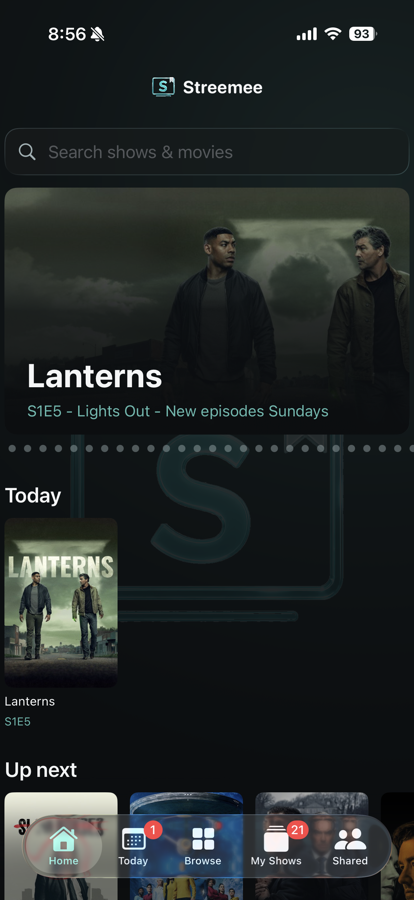
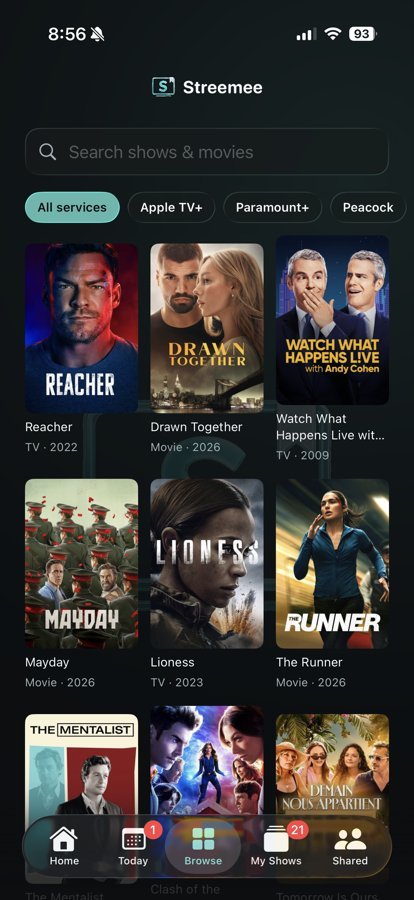
Tap Browse (or use search on Home). Filter by streamer if you want — or just hunt the titles you’re mid-binge on.
Save titles so Streemee can remember progress, which streamer, and what’s coming up — before you invite anyone else.
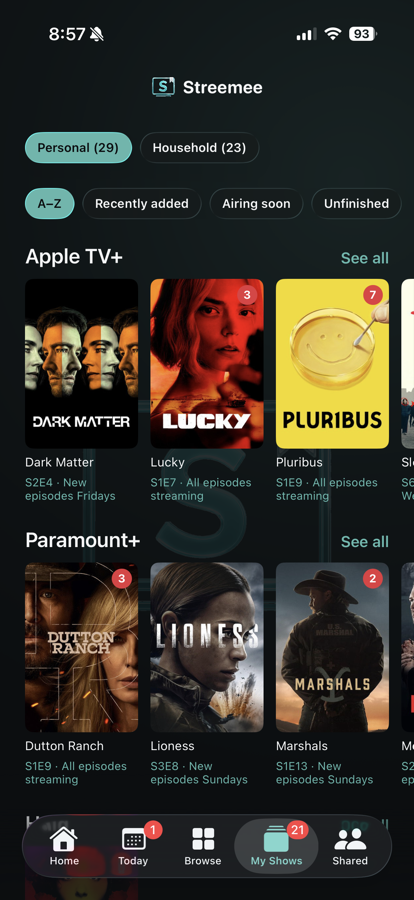
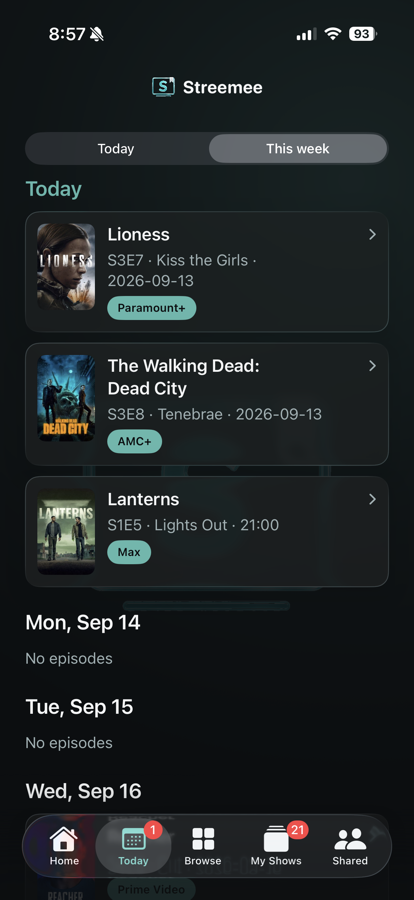
Today and Up next only care about shows you saved — so you’re not guessing what night drops.
One share group works across phones — iPhone with iPhone, Android with Android, or mixed. Same invite code or QR. Shared titles, watched marks, and Catch up stay in sync on both.
One share group, two phones. One of you creates it. The other joins.
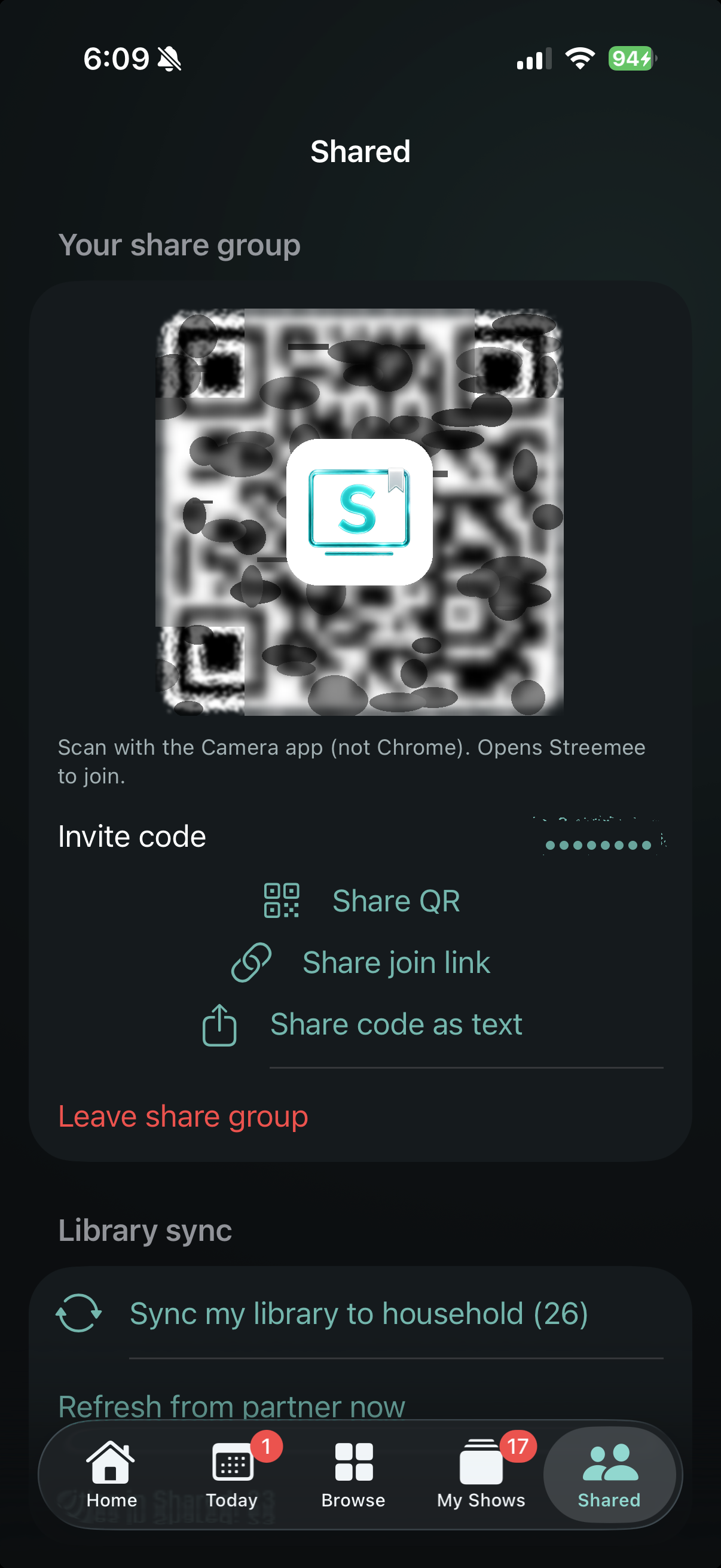
This is why solo first helps — you’ve got titles to push. The first share is a button you tap on purpose. After that, shared titles keep up on their own.
Open a shared show or movie. Check an episode, mark a season, or mark a movie watched. Streemee asks who it’s for.
On a shared title, if one of you watched ahead, Streemee shows that you’re out of sync and a button: Catch up — match both of you.
Streemee does not play the show. When you’re ready, Open in… hands you to the streamer you already have. No streamer passwords. Forget the show. Forget the streamer. Forget the airdate. Streemee remembers.
Free on iPhone and Android. Tracker only — you still watch in the apps you already have.